Table of Contents
- Introduction
- The Importance of Media Asset Organization More Than You Think.
- Professional Mindset Behind Organization.
- Common Mistakes to Avoid
- Final Thoughts
- FAQs
1. Introduction
You probably have already experienced the agony of disorganized media at some time when you were scanning the search engine at 2 a.m. and a time-sensitive deadline was looming over you. One misplaced clip. One wrongly named folder. A single file of the project is missing. And all of a sudden, hours fade by.
Professional studios do not merely remain organized. They build systems. It does not matter whether it is a Hollywood production house with tools, such as Avid Media Composer, or a YouTube creator working in Adobe Premiere Pro; it is not the tools that do the tricks but rather the organization.
You will require order, uniformity, and regulation in case you desire to arrange media content, such as a professional studio. It has to be broken down into steps.
2. The Importance of Media Asset Organization More Than You Think.
Video clips are not the only media assets. They include:
- Raw footage
- Audio files
- Music tracks
- Elements of graphics and motion.
- Project files
- Scripts and shot lists
- Final deliveries and exports.
Whenever such elements are scattered in the drives, desktops, and random folders, productivity is reduced. Teams waste time searching. Editors make mistakes. Clients are supplied with the old versions.
Media are commoditized in professional studios. Every asset has a place. Every file has a purpose. Organization does not mean being tidy. It is time-saving, work protection, and scaling without a mess.
Step 1: Standardize a Folder structure.
A professional organization is based on the basis of a regular hierarchy of folders. Nothing is done in studios without projects that are created. They use templates.
And this is an example of a simple yet effective structure:
- Project Name
- PreProduction
- RawFootage
- Audio
- Graphics
- ProjectFiles
- Exports
- Deliverables
The figures are categorizing folders. The naming is understandable and foreseeable.
Once all the projects are in the same format, any member of your team can come in and instantly feel comfortable with where and where all things fit.
The result of consistency is a lack of confusion.
Step 2: Resort to Professional Naming Convention.
It is at this point that numerous creators go wrong.
Files like:
- “final.mp4”
- “newfinaledit.mov”
- “finalv3latestREAL.mp4”
That’s not organization. That’s chaos.
Naming in professional studios takes the following formats:
ProjectNameSceneShotTakeDateVersion
Example:
BrandFilmSC03SH02TK012026-03-01V1.mov
This informs thee of everything at once. No guessing
Choose one formula of naming and do not violate it. This is even when you are working alone today, you will be glad at a later age.
Step 3: Extraction of Raw Assets and Working Files.
A huge error that newcomers commit is to lump it all.
One should never edit raw footage by just taking a random folder. Studios:
- Move raw files to a secure folder, which is titled Raw Footage.
- Create proxies if needed.
- Store project files in a different folder.
When it is broken, then the original footage is not affected.
This secures your investments in the long run.
Step 4: Adopt Version Control.
There are no old versions in professional studios.
They do not overwrite files: instead, they save versions:
- ProjectV1
- ProjectV2
- ProjectV3ClientNotes
- ProjectV4Final
This gives a history of development.
When a client suddenly tells you that they found version 2 much better, you will not panic. You’ll simply open it.
One of the largest differences between amateurs and professionals is version control.
Step 5: Take Metadata and Tagging.
Contemporary studios are becoming dependent on metadata.
This is possible in programs such as DaVinci Resolve or Final Cut Pro:
- Tag clips
- Add keywords
- Rate takes
- Color label footage
Rather than going through hundreds of clips, you are filtered by:
- “Close-up”
- “Interview”
- “B-roll”
- “Approved Take”
Tagging is one way of saving time on massive projects.
Step 6: Invest in DAM Digital Asset Management.
With larger projects, folders are no longer sufficient.
Digital Asset Management systems are commonly used by professional studios. A DAM tool helps you:
- Centralize media storage
- Control access permissions
- Search using keywords
- Track file usage
- Prevent duplicate uploads
This is necessary in case of large production teams particularly when it requires access by editors, producers, and clients. Thinking like a studio only requires planning how to grow, even though you are a small team now.
Step 7: Follow the 3-2-1 Backup Rule
None of the professional studios uses a single copy of media.
They follow the 3-2-1 rule:
- Duplicates of all significant files (3 copies).
- 2 types of storage (external drive and cloud, etc.)
- 1 off-site backup
Visualize the completion of a project within Adobe Premiere Pro and the loss of everything because of a crash of the disk drive.
It happens.
Backups are not optional. They are non-negotiable.
Step 8: Before You Start Editing, Organize.
The professionals do not drag files to a timeline.
They:
- Import footage
- Rename clips if needed
- Tag and sort footage
- Remove unusable takes
- Build organized bins
Only then does editing begin.
This initial expenditure is a huge time saver in the future.
Step 9: Cleaning up on completion of the project.
Numerous creators complete one project and pass on to another.
Projects are closed appropriately at the studio.
They:
- Remove unused assets
- Final project files consolidation.
- Archive completed work
- Complete projects to long term storage.
Archiving makes your working environment neat.
The disorganized drive reduces the speed of your system as well as your mind.
Step 10: Document Your Workflow
Workflow documents are developed by professional studios.
This includes:
- Folder structure rules
- Naming conventions
- Backup policies
- Version control standards
Why?
- Because teams change. Freelancers join. Assistants rotate.
- When your system exists in your head alone, it falls when somebody touches it.
- Write it down. A one-page guideline is an effective one.
Proper organization starts in pre-production. Learn how filming scenes are planned to structure your media from day one.
3. Professional Mindset Behind Organization.
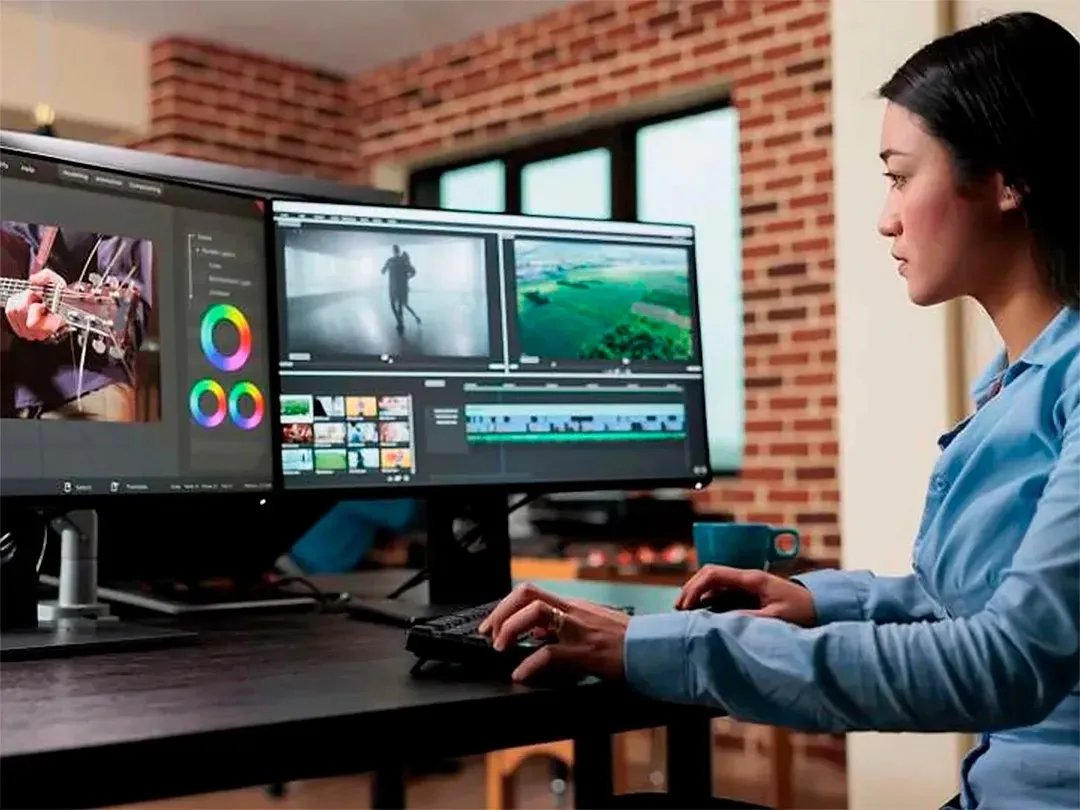
Media asset organization is not about fascination with folders. It’s about thinking long-term. A professional studio realizes three fundamental facts:
- Time is expensive.
- Mistakes are costly.
- Understanding enhances innovation.
A relaxed brain comes with the organization of your media. You are more concentrated on stories, rather than file searching. They said clarity of mind directly enhances the quality of creativity. Professional studios follow structured archival and preservation standards similar to those promoted by the Academy of Motion Picture Arts and Sciences, where proper cataloging and long-term storage are treated as essential parts of the filmmaking process.
4. Common Mistakes to Avoid
These are some of the mistakes that are committed even by talented editors:
- Saving projects in desktops only.
- Confusion of personal and client files.
- Ignoring backup systems
- Using inconsistent naming
- Saving over old versions
- Failure to archive completed projects.
Break these habits, and you instantly work on a new professional level. Industry bodies like the National Association of Broadcasters emphasize efficient media workflows and structured file management to maintain broadcast-level quality and operational efficiency.
5. Final Thoughts
Discipline is more important in knowing how to arrange media assets, such as a professional studio, rather than tools. You do not even need a Hollywood budget. You need structure.
Begin with a standard file system. Naming conventions should be clear. Protect your raw files. Implement version control. Follow the 3-2-1 backup rule. Archive responsibly. Once your media is organised, then your workflow is quicker. Your stress decreases. Your clients trust you more. And your creative production is enhanced.
Professional studios are not successful due to chance. They are successful since they are organized.
Construct the system, and the outcomes shall follow. Growing projects need smarter systems. Explore media management solutions built for filmmakers to keep assets secure and organized.
6. FAQs
Which is the most suitable folder structureforf media projects?
The most appropriate is a hierarchical list in numbers where the pre-production, raw footage, audio, graphics, project files, export,s and deliverables are segregated. The consistency between the projects is more important than complexity.
How do professional studios avoid losing media files?
They adopt the 3-2-1 backup rule, version control, and files are stored in Digital Asset Management orderly system,s ensuring redundancy and easy access.
Am I required to use costly software to arrange media in a studio?
No. You can begin with a clear file system and use of strict naming systems. Metadata assistance is provided by such software as Adobe Premiere Pro or DaVinci Resolve, but organization begins with structure rather than the price.