Table of Contents
- Introduction
- The Emergence of Cloud-Based Video Management Systems.
- Characteristics of video management systems on the cloud.
- Advantages of VMS based on the Cloud to Filmmakers.
- How Cloud-Based VMS is Revolutionizing Modern Filmmaking
- Selecting the Optimal Cloud-Based VMS.
- Conclusion
- FAQs
1. Introduction
The modern digital filmmaking environment is highly dynamic and fast-moving, and being able to handle a lot of video material most efficiently is no longer a luxury but rather a necessity. Conventional storage and editing processes may slow down manufacturing procedures, make them costly, and also might lead to loss. Move to cloud-based video management systems (VMS)- potent systems enabling film-makers to store, organize, edit, and share widely accessible content anywhere in the globe. To the independent filmmakers, production studios, and content creators, such systems are rapidly turning out to be invaluable in contemporary film production.
2. The Emergence of Cloud-Based Video Management Systems.
The last ten years have seen the film and video production sector go through an enormous transition to digital processes. The cameras used in high-resolution, drones, and multi-cam shots produce a large amount of data in terabytes, which necessitate effective storage and handling. Traditional hard drives, local servers, and offline workflows do not typically support such volumes of content
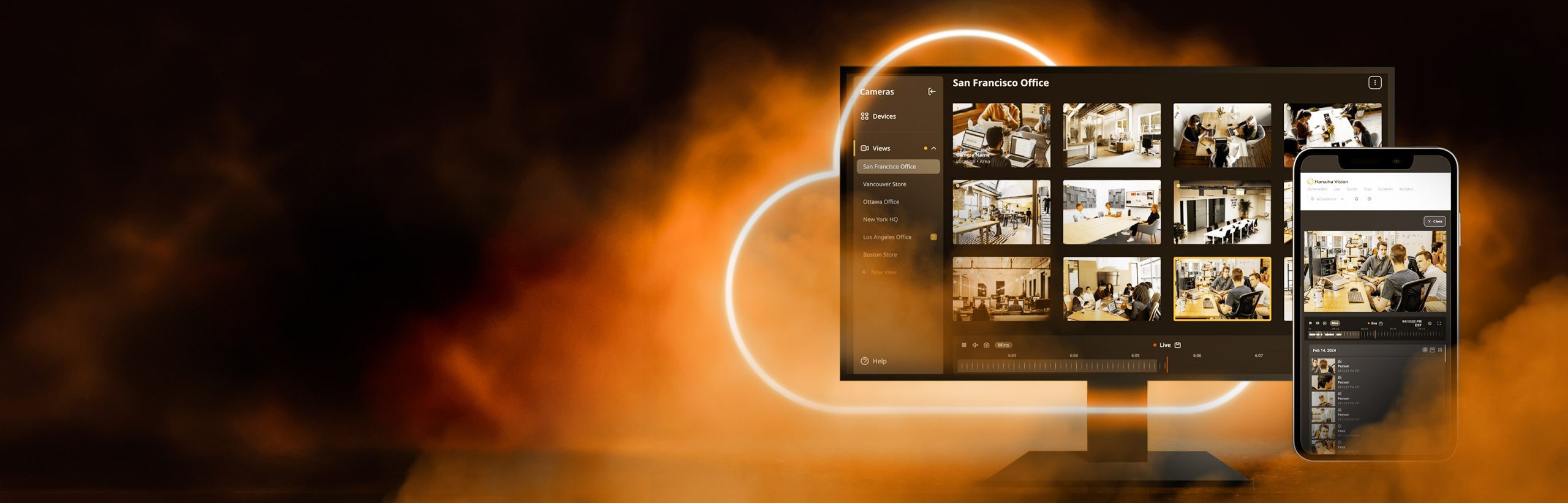
Cloud-based VMS is a different alternative since it integrates storage, collaboration, and workflow management within a single platform. Filmmakers can post raw footage on the cloud, tag it with metadata, work on it with other editors remotely, and get access to it whenever they need it- without thinking about the constraints of physical storage.
This change is not only convenience-related, but also efficiency, security, and scalability. Cloud-based systems are seen in an industry where time is money, making it easy to streamline post-production, as well as making it easier to collaborate between teams and locations. Discover how video project scheduling tools streamline production and keep your team on track.
3. Characteristics of video management systems on the cloud.
The contemporary cloud VMS is created to address the needs of the filmmakers/ production teams. It has some distinguishing characteristics, which are:
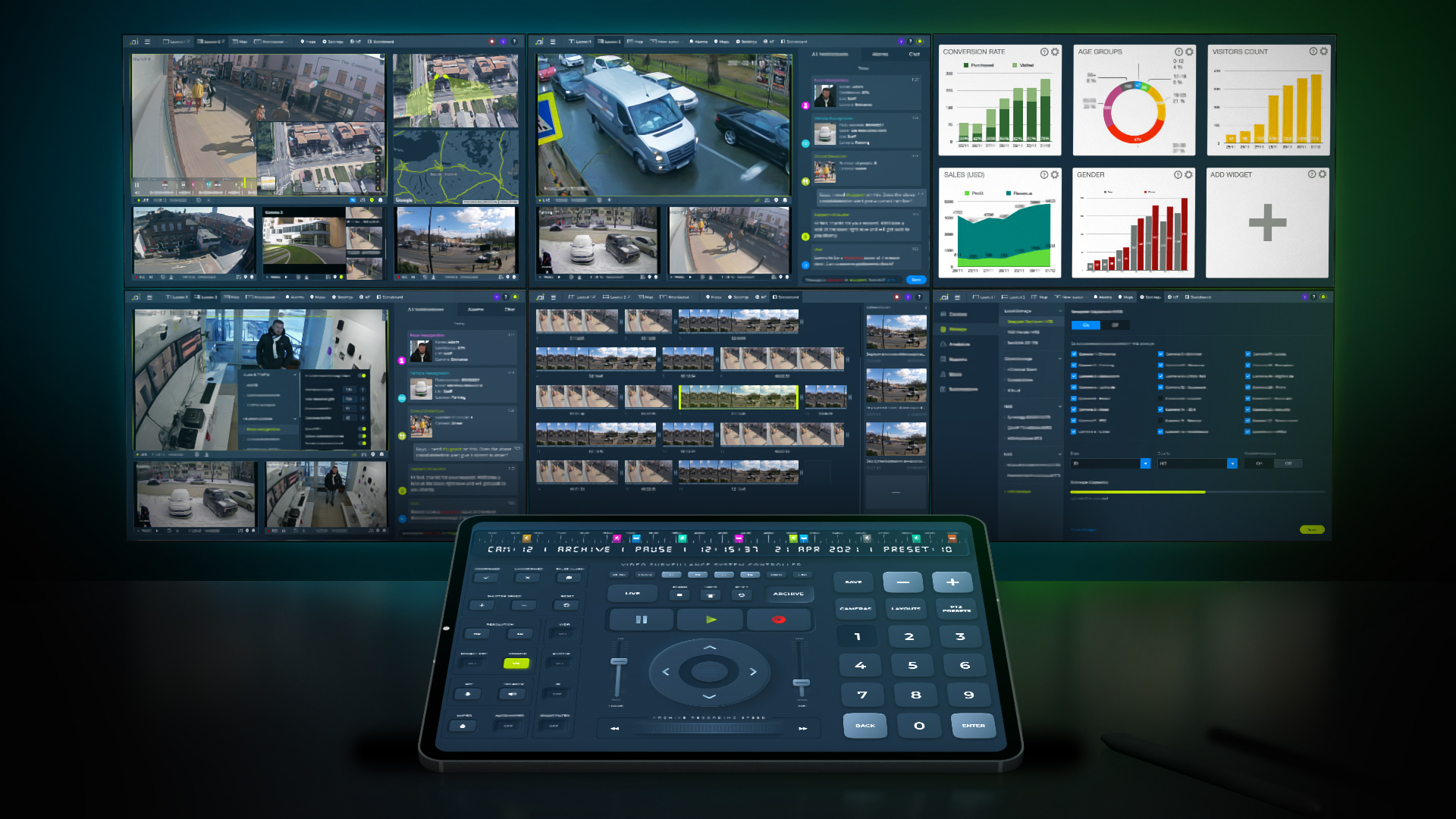
Centralized storage – All video, project, and asset files should be in one secure place and available on any device. No longer trying to find files in hard drives or panicking that the video is missing.
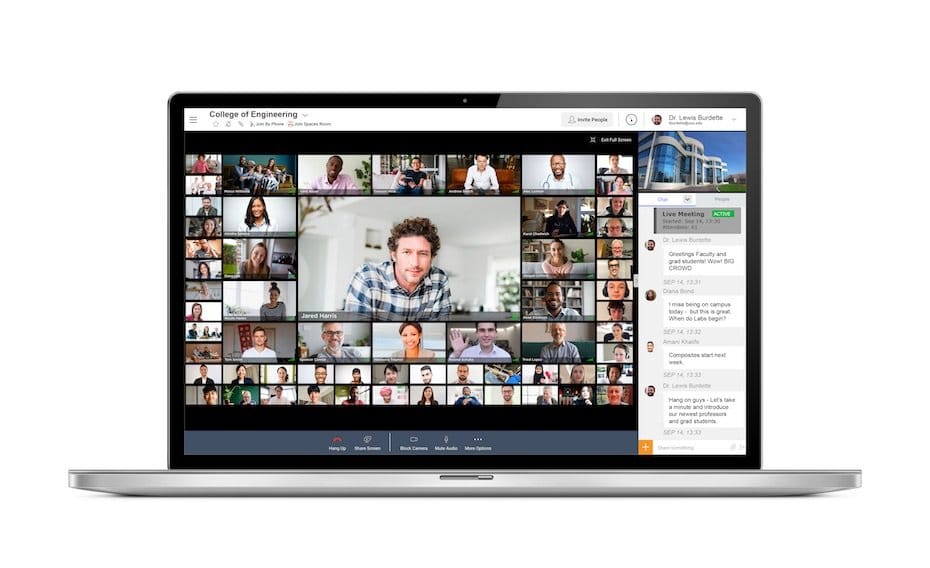
Collaboration Tools – Share files with editors, colorists, and producers immediately. These platforms have a commenting feature, version control, and real-time updates to ensure that teams stay in sync.
Metadata and Tagging – Tag content, add notes to scenes, and metadata that is easily searchable, allowing one to easily find clips, shots, or sequences during editing.
Quick uploads and streaming – Innovative cloud VMS enables rapid uploads, 4K/8K streaming, and proxy editing so that a filmmaker can watch the material without having to download huge files.
Security and Backup – Important footage is safeguarded by automatic backups and encrypted storage to avoid accidentally being lost or suffering because of cyber attacks.
Scalability: Cloud-based systems can scale storage capacity as production demands increase without upgrading hardware.
4. Advantages of VMS based on the Cloud to Filmmakers.
Remote Collaboration – Teams located in different cities or countries can collaborate. Footage can be viewed and commented on by the editors, directors, and producers in real time.
Cost Effectiveness: Eliminates physical storage, hard disks, and local servers. Subscription-based models enable studios to scale costs.
Time Savings – Rapid access to video, immediate sharing, and built-in editing capabilities will simplify operations and decrease post-production lag times.
Disaster Recovery – Cloud services provide automatic data backup, reducing the risk of losing hours or days of work due to system failure.
Flexibility and Mobility – Filmmakers will be able to view dailies, do edits, and work on projects anywhere, and on-location shoots and remote work will be more efficient.
Learn how to organize media assets like a professional studio to improve workflow and efficiency.
5. How Cloud-Based VMS is Revolutionizing Modern Filmmaking
Efficiency of Post-Production – Cloud systems enable editors to do work on proxy files and replicate the work to the high-resolution file in the cloud. This makes downloading large files unnecessary, and everybody works on the most recent version.
Easy Import/Export – A large number of VMS platforms can be integrated with popular editing software, such as Adobe Premiere Pro, DaVinci Resolve, and Final Cut Pro, enabling the import and export of workloads and a smoother workflow.
Global Collaboration – The cloud VMS is very helpful for global co-productions, as the team can upload, view, and approve footage recorded on other continents without the need to ship a physical drive.
Data-Driven Insights – Certain advanced VMS provide insights into content utilization, group collaboration, and efficiency, as well as how their efforts are stored, which assists studios in making informed decisions regarding production and post-production processes. TechSmith: Cloud Video Management Benefits – Explains how cloud-based systems streamline video workflows for creators and teams.
6. Selecting the Optimal Cloud-Based VMS.
In choosing a cloud VMS, the filmmakers should note several factors:
- Storage Capacity & Cost – Select a service that can expand storage capacity and provide clear pricing for a plan that fits your production requirements.
- Upload/Download Speed – High upload speeds are needed with high-resolution video.
- Security Features – Find encryption, access controls, and automated backups.
- Collaboration Tools – Teams rely heavily on real-time commenting, versioning, and project management features.
- Software Integration – Certify the VMS is fully compatible with your favorite editing and post-production software.
Frame.io, Vimeo Enterprise, Wipster, and Cantemo are popular platforms with different features that filmmakers can use to manage content, collaborate, and optimize workflows. Frame.io: Cloud Collaboration for Filmmakers – A leading platform’s guide on cloud collaboration, storage, and editing for modern video production.
7. Conclusion
Cloud video management systems are revolutionizing the way filmmakers operate, delivering unparalleled efficiency, collaboration, and security. Using a cloud-based workflow will no longer be optional in 2026 because it is the only necessary tool for modern filmmakers who want to remain competitive and shoot high-quality footage in less time. These systems are those of indie creators and large studios, and they offer the technologies required to handle, edit, and broadcast footage anywhere in the world without complications. Explore the best media management solutions built for filmmakers and enhance your digital workflow.
8. FAQs
Q1: Does cloud-based VMS support 4K or 8K video?
Yes! The majority of current VMS systems support 4K and even 8K video, with proxy video editing to enable a faster workflow without loss of quality.
Q2: Am I sure that my footage is not under the cloud?
Absolutely. The reliable sites use encryption, secure storage, and accessibility controls to ensure your videos are not lost or accessed by unauthorized users.
Q3: Does using a cloud VMS require a high-speed internet connection?
Although high-speed internet enhances uploads and streaming, various sites offer auxiliary proxy editing and offline access to make workflows bearable even with moderate speed.