Table of Contents
- Introduction
- What Is Media Library Organization Software?
- Why the Media Organization Is More Important Than Ever Before
- Key Features to Look for in Media Organization Tools
- Best Practices for Maintaining Footage Availability
- Teamwork and Telecommuting
- The Future Proofing of Your Media Library
- Conclusion
- FAQs
1. Introduction
Every person who has worked on a video project has experienced that sinking feeling: you have spent all morning shooting perfect B-roll, loaded it into your drive, and now, three weeks later, you are unable to find a single usable clip. Sound familiar? You are definitely not alone.
With the increase in scale of productions and the size of teams, the raw footage, graphics, audio files, and project files can become completely out of control in a few weeks. The media library organization software comes in at that point. The difference between a post-production process that runs smoothly and hours of frustrating and unproductive searching can be the right digital asset management system.
We discuss in this guide how media library organization software can enable editors to maintain footage in a permanent, searchable, and organized state, whether they are a solo freelancer or a massive broadcast team.
2. What is Media Library Organization Software?
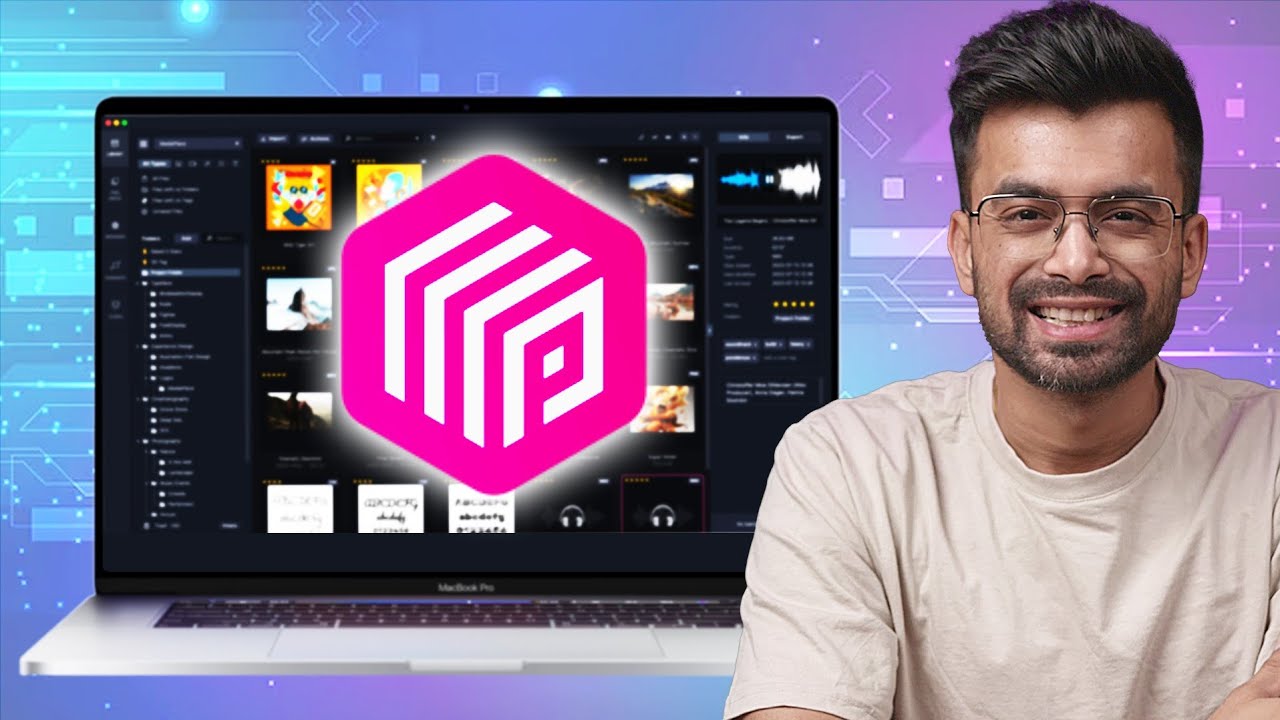
Media library organization software, also known as Digital Asset Management (DAM) system or Media Asset Management (MAM) platform, is a software intended to ingest, catalog, tag, store, and retrieve media files in a structured and searchable manner.
A good DAM software will enable you to add metadata to each asset, build smart collections, preview files without loading heavy editing programs, and even collaborate with other members of a remote team on shared libraries, unlike a basic file browser.
3. Why the media organization is more important than ever before.
The contemporary productions produce massive data. A one-day shoot may result in hundreds of gigabytes of footage in various cameras, formats, and resolutions. The absence of a system, intentional or not, any well-intended editor will soon find themselves with folders like things such as final v3 real use this all over three hard drives.
In addition to the disorder, a bad media organization is a direct money waste. Research of the broadcasting industry always reveals that the production teams lose a lot of working hours every week just in search of files that are already there. The time wastage in the process of seeking a clip is time that would have been utilized in making a superior cut.
Media library management is not only about neatness, but it is a profession that keeps your time, your deadlines, and your relationships with your clients as safe as possible. Learn more about team-based workflows in filmmaking.
4. Key Features to Look for in Media Organization Tools
Common tools in this area are Adobe Bridge, Iconik, Daminion, MediaValet, Kyno, and Frame.io.
They have a slightly different target audience, which includes both individual creators and enterprise broadcast teams, but are united by a single idea, making footage findable.
Findings: Major Characteristics to Consider in Media Organization Tools.
Media library software is not all constructed identically. These are the basic functions that make a really useful platform and not an overrated folder viewer:
Metadata tagging and custom fields – the option to mark assets with the name of the project, shoot date, camera, scene, and any other custom value you may ever need in your workflow.
AI-based auto-tagging – a current technology that can analyze videos and propose descriptive labels based on the visual data automatically, which requires hours of human labor.
Proxy generation: Lightweight preview of your files to allow editors to browse and search without overloading storage or bandwidth.
Advanced search and filtering: Keyword search, format, date range, color label, rating, or any other custom tag of your own.
Version control and change history – having access to what version of an asset the current version is, and what has changed since the last iteration.
Editing software integration – direct panel access within Premiere Pro, Final Cut Pro, or DaVinci Resolve to ensure you do not need to leave your timeline to find anything.
5. Best Practices for maintaining footage availability.
A messy working process will not be rescued by software alone. The actual strength of any media library system is based on the consistency and deliberate use. The following are the practices that the professional editors swear by:
Before shooting, create a folder and a naming system. Consistency is everything. Choose a naming convention, e.g., ProjectName_Date_CameraID_SceneNumber, and use it consistently without exception since the time the footage is fed. The biggest adversary of searchability is inconsistency.
Label assets as soon as they are ingested. The most inappropriate moment to plan the footage is six weeks following the shoot, when the project context has been forgotten. This can be done by adding a tagging step to your ingest workflow to make sure that metadata is added when the details are still recent.
Color labels: Use color labels as an efficient visual triage system. A lot of editors color unusual takes in red, select in yellow, and approve hero shots in green. This barebones system will reduce the time of review alone by a significant margin.
Formulate intelligent collections or saved searches. Instead of having to create the same folder for every project by hand, smart collections, which automatically add their assets based on some criteria, like all approved clips of a particular campaign, save vast quantities of repeated work.
Properly wrap up the archive projects. As the project is being closed, the assets should be transferred to a distinct cold storage, and your library should be updated as well. The libraries are full of archived projects that cannot be accessed or unarchived, making them thicker and more cumbersome to use. Understand how professional tools like Frame.io manage media, metadata, and collaboration in one place: Explore Frame.io features
6. Teamwork and Telecommuting.
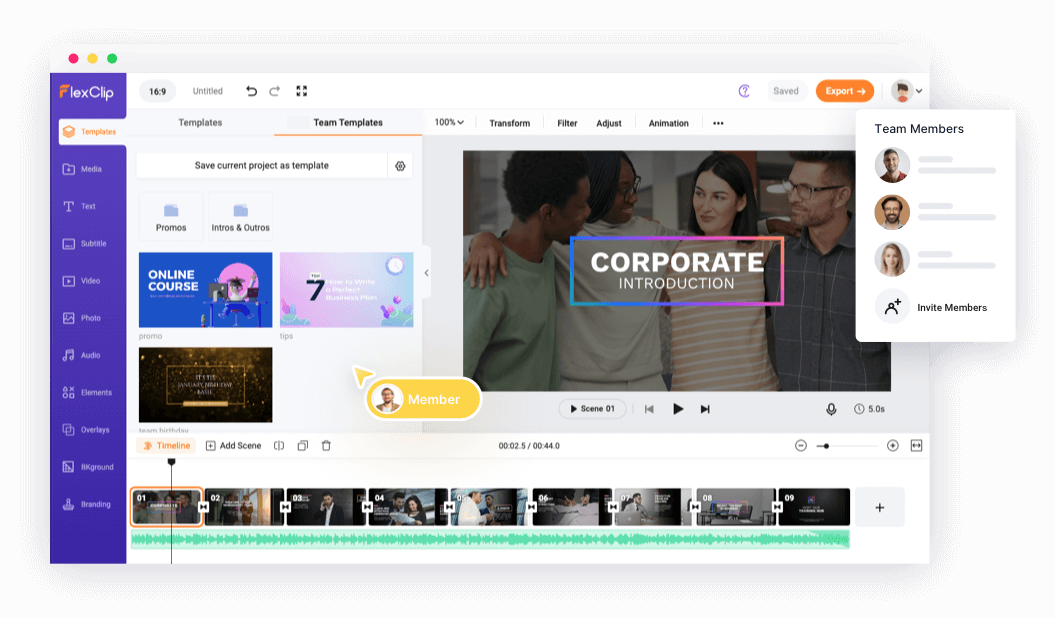
Development teams are becoming widely spread. The media library platforms based on the cloud have become a necessity to the editors, colorists, and producers who may be in various cities or even time zones. Frame.io, Iconik, and Canto are tools that enable a team to share, review, and annotate assets in real-time without moving massive files via email.
Permission settings are one of the things to consider carefully when selecting a cloud-integrated DAM solution. There should be a properly organized permission system whereby the junior team members are able to access what they require without inadvertently overwriting and destroying important master files. Explore tools designed for smoother project collaboration.
7. The Future Proofing of Your Media Library.
The post- production changes every time with technology. Codecs are modified, delivery systems are improved, and the storage drive you were used to five years ago cannot even be read nowadays. A future-proof media library would imply that master files in as open a format as possible are stored in at least two off-site backup copies, and older archives are migrated to the current storage media regularly.
It further implies that one should select software that writes metadata in the form of open, portable formats. When you change platforms, you can transfer your organizational structure with you and not have to start afresh. Learn about Adobe Bridge as a free media management tool for organizing and previewing files.
8. Conclusion
An unorganized media library is a sluggish and unseen burden on all the hours of post-production. The good news is that the appropriate media library organization software, paired with a regular naming system and tagging use, will allow the accessibility and manageability of your footage to be totally changed even as your project expands and your libraries increase.
It does not matter whether you are working alone, as an editor, with a few terabytes to manage, or you are working with a broadcast team and have hundreds of projects running at the same time; investing in developing an appropriate digital asset management system will pay back on every project that comes after it. Begin with the basics: choose a tool that fits your size, define your conventions of naming and tagging, and use them. The video will never fail to be where you want it to be.
9. FAQs
1: Which is the most appropriate media library organization software in the case of freelance video editors?
When it comes to freelancers, the best place to start would be Adobe Bridge, in case you already have the Adobe ecosystem. Another good option is Kyno, which can be used to browse quickly without being an enterprise.
2: What is the easiest way to organize video footage without the need to spend a lot of money on software?
It may be a regular folder organization and a strict naming of files. A basic hierarchy, such as ProjectdateCameraScene, is used. Simple tagging and browsing are also free with the help of the free tools, such as the Media Pool provided by DaVinci Resolve.
3: What should be the frequency of media library backup?
Take the 3-2-1 rule, that is, three copies in two types of storage places, one of which is in a different location or in the cloud. Active project backups are done on a daily basis, and a monthly check on archived drives is a standard one that one can rely on.