Table of Contents
- Introduction
- Why Movie Makers Should Use Cloud for Secure Storage
- The True Problems of Storing Big Video Files
- The meaning of Secure Cloud Storage in Filmmaking
- The security of your footage using Cloud storage
- The selection of the correct cloud platform to use by filmmakers
- Optimum Process of uploading, organising and sharing footage
- Stopping Leaks, Theft & Unauthorised Sharing
- Conclusion
- FAQs
1. Introduction
Film production has never been collaborative or common sense. It doesn’t matter whether you are recording raw 6K drone videos, editing 4K documentary shots, or sending VFX shots to remote artists; the fact of the matter is that you do deal with massive video files and highly sensitive information.
You know when you can spend hours waiting to get a hard drive to spin, or when someone has lost the one copy of the rough cut you had, or when you have a hard time beating the files to your editor overseas… And already you know that the conventional workflow does not make the filmmaking of today.
Now, secure cloud storage is your lifeline. Cloud storage has transitioned from being a mere convenience to a crucial part of the risk management strategy in professional film production. Creative output is not the only factor determining the verdict about production houses, agencies, and even independent filmmakers; how they manage to deal with priceless and confidential materials like unreleased footage, assets of the client, and IP has also become a significant factor. Not only to save files, but also to share, secure and to keep on with their projects.
In this guide, we will dissect how filmmakers can save and share large files safely, what is important, and how to prevent expensive errors that film production companies and individual creators make on a daily basis. Many production teams now prefer working with professional film production services that follow secure workflows for storing, sharing, and managing sensitive video footage.
2. Why Movie Makers Should Use Cloud for Secure Storage
Consider the way filmmaking was done. The camera operators were taking hard drives to the location, the editors were copying them, and the teams were taking the physical storage anywhere. The modern film industry is utterly different nowadays; crews, editors, colorists, and VFX supervisors are based in your city, country, or the other hemisphere. And with 100GB files in your files, the transfer becomes a bottleneck. Inefficient file handling, apart from speed, has an adverse effect on production timelines and budgets. Delayed transfers can affect post-production, missed approvals can lead to pushing of the deadlines, and lost footage can necessitate expensive reshoots — all these will have a negative impact on trust and profitability of the client. More to the point, your work has value.
This approach is especially important for projects handled by end-to-end film production teams, where data security and controlled access are essential at every stage. A leaked commercial, unpublished trailer, documentary interview, or film scene can ruin confidence as well as cause significant legal problems. That is why today, even small productions save their footage in the cloud with a high level of security.
The cloud does not store files only.
- It protects them.
- It organises them.
- It allows your team to work together without taking care.
- And – most importantly – it makes sure that no video will ever be lost again.
According to Frame.io, modern film production teams rely on secure cloud-based workflows to transfer large video files efficiently and collaborate with remote editors without compromising data security.
3. The True Problems of Storing Big Video Files
Moviemakers have their own issues that are not encountered by ordinary users. A photographer may put 5GB in a week. A filmmaker? 500GB in a day.
This is what will happen when directors store their content using simple storage technologies:
- Low upload speeds slow the whole working process.
- Hard drives do not last as long as people expect.
- The folders are duplicated, renamed, and lost.
- During VFX or editing, people will overwrite files by mistake.
- The quality of raw files is destroyed when they are shared via WhatsApp or email.
- The illegitimate downloading poses a danger of copyright leakage.
If viewed individually, these problems might not appear to be so difficult to solve. However, when taken together, they cause a lot of confusion — particularly in the case of long documents that require several editors, remote partners working together and very tight delivery times. This is the point where casual storage methods silently become a threat to the operation.
Secure cloud storage is the answer to these issues – only when you select the right platform and configure it properly.
4. The meaning of Secure Cloud Storage in Filmmaking
Filmmakers do not have to use any online storage that is not secure. When it comes to the real definition of what constitutes secure storage, for filmmakers, secure cloud storage is not merely about password-protecting their files. It is, rather, a matter of managing access to the footage, controlling the actions that can be taken with it, and having every interaction with the footage monitored and retrievable. There are three absolute ingredients:
Encrypted Data (Before and After upload)
This implies that your video is mixed up when you transfer it and when it is kept in the server. A person can not see it even when he intercepts it.
Role-Based Access
You choose who to share your footage with – and how they can use it.
- The editor can access only timelines.
- The VFX can only access certain scenes.
- Clients can only access approvals.
Accidental leaks are completely ruled out by this level of control, and at the same time, it guarantees that the collaborators have access to the assets that are directly related to their role only, which results in less confusion, fewer errors, and a minimized security risk.
File Versioning & Backup
In case of defrimentation of your sequence by someone, you can recover the earlier version in seconds. No panic. No data loss.
Most filmmakers believe that cloud storage is just Google Drive or Dropbox, but to support a filmmaking workflow, more specialized and powerful equipment is required.
5. The security of your footage using Cloud storage

Suppose you are doing an advertisement for a luxury brand. This footage is of grave financial worth before its launch. A leak would hurt the brand as well as violate your NDA and lose the client. In these situations, mishandling of the internal nature, like passing preview links or storing files on unofficial devices, can cause irreparable harm. The use of secure cloud platforms greatly reduces the risk of such events happening by having the permissions enforced at the system level and not depending solely on human discipline.
A secure cloud service secures you in a number of ways:
Encryption Stops Hackers
Between uploading and downloading, the encryption will guarantee that no one sees it without permission to do so.
Two-Factor Authentication Intruders
There is a possibility that a person steals a password, but they will not be able to access the project.
Leaks Prevented by Access Permissions
You are able to grant view, comment or download.
Audit Logs indicate the users who accessed what
In case a person accidentally erases a file, then you will know where and when it occurred.
Automated Backups Eliminate Lost Video
Physical storage crashes. Cloud storage doesn’t.
It is not a hundred percent safe cloud system, but by using a secure cloud platform, you cut your risk down to 99 percent.
6. The selection of the correct cloud platform to use by filmmakers
Old cloud solutions are suitable for small files; filmmaking needs more durable solutions.
Here’s what to look for:
Quick Upload Rates of 4K/6K Video
Other sites compress video files as much as possible, making the upload time as short as possible.
Proxy File Generation
One can preview without having to download full-quality files.
Plug-in with Premiere Pro, DaVinci Resolve and Final Cut
It should be able to bring footage directly into the cloud.
Clients can share links on their websites.
There is no reason why your clients would have to download 50GB files just to hear a cut.
Multi-location redundancy
You do not have all your files in a single location, but they are replicated where they are more secure.
End-to-end encryption
The professional video production requirement by the industry.
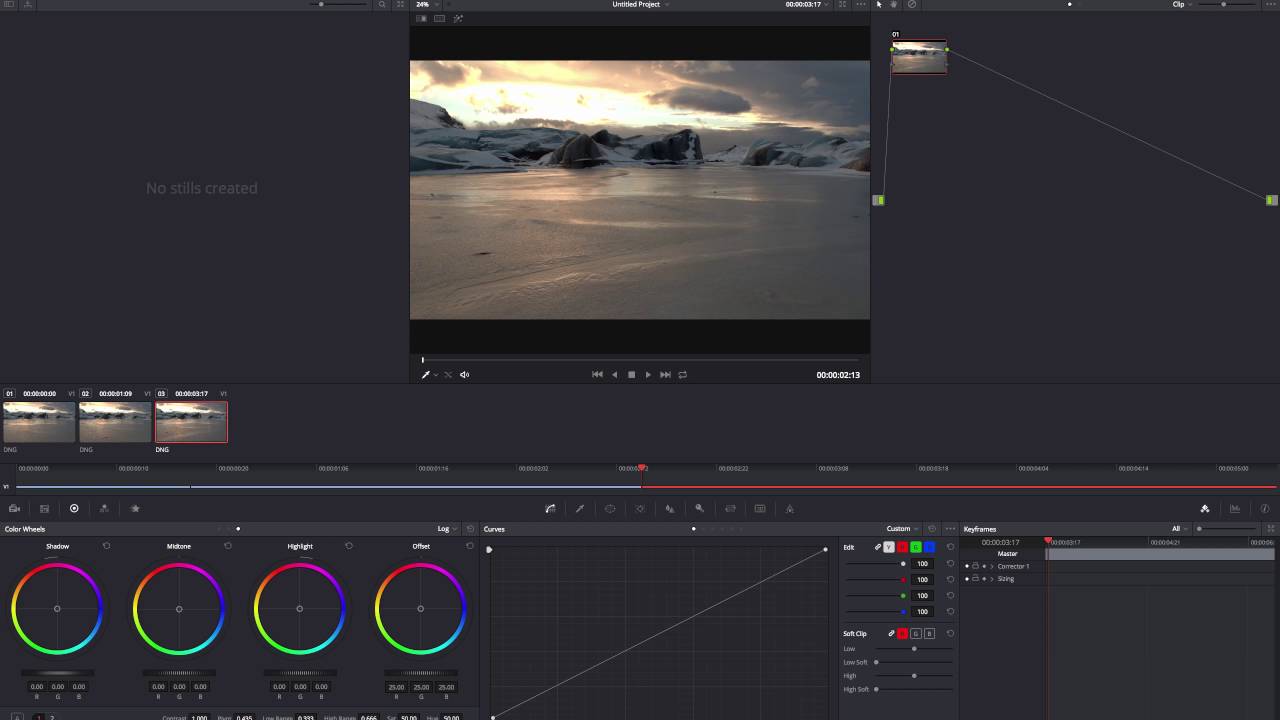
These characteristics allow an easier, safer and quicker collaboration, particularly where your team is not occupying the same space. The use of cloud platforms for video production does not include all of them. The majority of consumer-oriented tools focus on user-friendliness rather than giving a high level of control, and this might lead to lower performance and insecure handling of big video projects. Blackmagic Design also highlights the importance of secure cloud collaboration and project sharing for editors using DaVinci Resolve in professional film and post-production environments.
7. Optimum Process of uploading, organising and sharing footage
The most effective way a secure cloud workflow operates is when all the personnel involved adhere to the same organized procedure. The regularity is the factor that changes the character of the cloud storage from just a file dump to a production system. A storage system is crucial, but a secure workflow is equally crucial.
Post Videos as soon as the shooting is completed
Don’t wait until you get home.
Backup – set – Upload – Version confirmation.
Arrange by Scene, Camera and Day
Use a naming convention:
ProjectNameScene03CamA_Day1
Apply Folder-Level Permissions
Hold clients out of raw material.
Give the editors access to what they require.
Generate Preview Only Approvals Links
This eliminates unnecessary downloading and also safeguards files against being attached to strangers.
Enable File Versioning
Do not repeat the same mistake of overwriting projects.
Save Unprocessed and Edited Video files
This helps eliminate confusion and maintains your edit clean.
When all people stick to the identical working procedure, your project will be more productive and much safer.
8. Stopping Leaks, Theft & Unauthorised Sharing

It is here that filmmakers unwindingly get into a risky situation.
Largest Security Threats in Filmmaking are:
- Sending files on WhatsApp
- Sending out open Google Drive links
- Giving interns full access
- Saving all of it in one SSD
- Not using file permissions.
- Retaining old personnel on the project
- Clients are downloading videos and sharing them.
In the world of film production, it is commonly seen that most data leaks are not due to hacking activities, but rather to other factors like excessive sharing, poor permission settings, or access rights that are already out of date and not reviewed at all. A secure cloud storage can remove the vast majority of these threats, provided that you set the permissions properly.
The safest method is:
- Restrict access for each team member
- Block downloads to customers
- Track views and downloads
- Set passwords for links.
- There should be time limits on shared links.
This is to make sure your movie is in your possession – not on some random WhatsApp channels or TikTok leaks.
9. Conclusion
The secure cloud storage has become imperative to modern filmmakers not only to be convenient but also to ensure the safety and durability of their work. The risks of losing data, data leakages, and delaying the workflows are growing exponentially with the increase in the size of production and the remoteness of teams. A secure cloud platform protects your video with the help of encryption, organized access, and backups. It also facilitates the process of collaboration because it does not need physical drives to keep the editors, clients, and crew on track. Cloud workflow is an investment that filmmakers make not only for file safety but also for the protection of the whole project timeline, clients, and the eventual value of their creative output.
Going secure to cloud workflow, moviemakers can secure their creative investment and keep each project organized, accessible and indeed future-proof. Filmmakers collaborating with experienced production teams are better equipped to protect their creative assets while maintaining smooth delivery timelines.
10. FAQs
What is the amount of cloud storage required by filmmakers?
The project of most filmmakers requires 2TB to 20TB. Raw 4K/6K video is very memory-consuming, and as such, scalable plans are very much needed.
Is it safe to send unreleased footage to the clients using cloud storage?
Yes, so long as you can use password-protected links, view-only privileges and time limits to keep unauthorized downloads or shares off.
Is it possible to work on the cloud storage as an editor?
Absolutely. In current platforms, proxy previews can be viewed, clockwork matches Premiere Pro, DaVinci Resolve, and Final Cut Pro, and even the software can be fully integrated; this eliminates the necessity of full downloads.